Pro Widget
Elementor Hamburger Widget
It's time to get creative to showcase your menu in a compact form with 6+ layout styles. Display your hidden navigation dynamically or using saved templates in an elegant manner with hamburger widget.
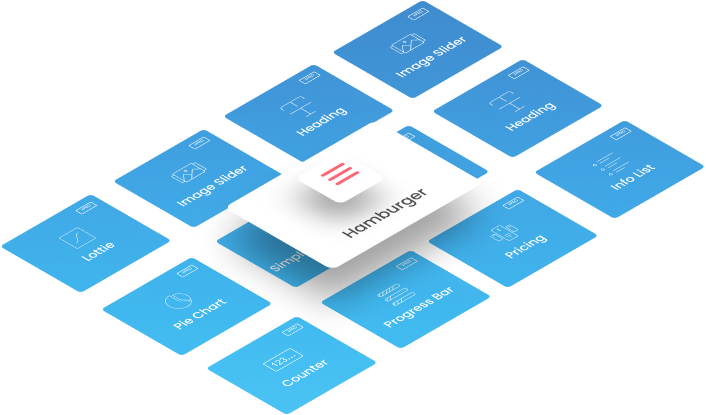
Dynamically Show Off-Canvas Menu With Multiple Options
Don’t wait! Get complete control of your menu display with our extensive customization and styling panel. Check out different elementor templates with unique off-canvas menu.
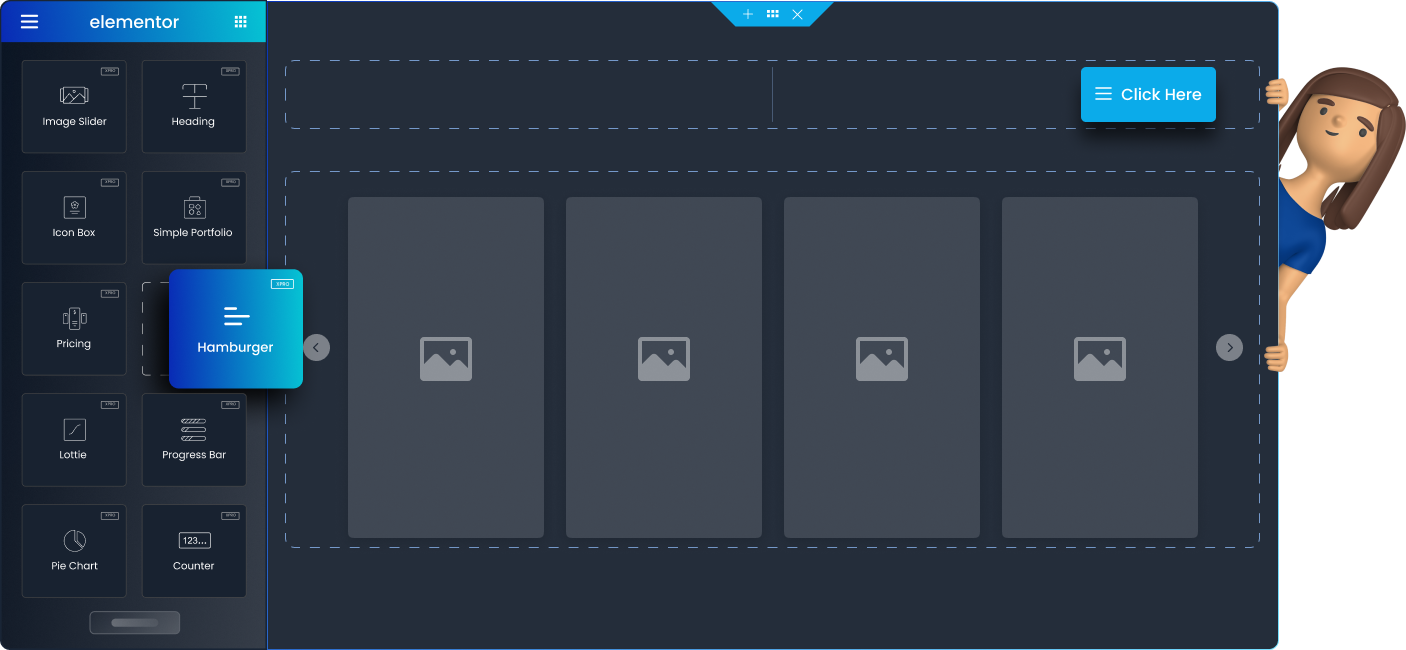
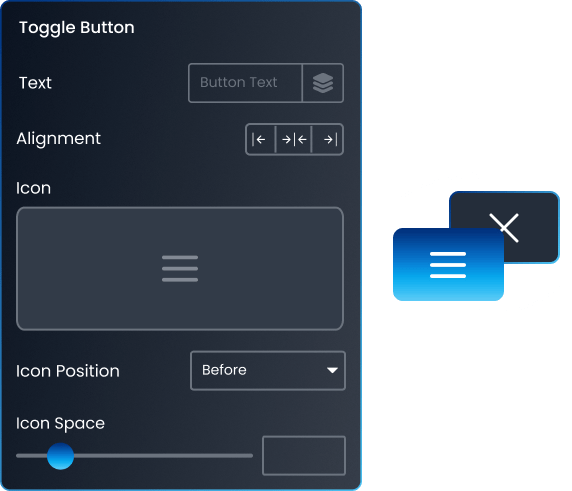
Configure Toggle And Close Button with few clicks
Power up your website design by paying attention to small details. Pick out icons from our library or choose a custom SVG. Style it with custom text, alignment, spacing, and more.
Power up your website design by paying attention to the small details of your hamburger menu.
-
Customize text Option.
-
Customize the alignment of the toggle button
-
Pick out icons from our library or choose a custom SVG.
-
Customize Icon Position & Icon Spacing
Configure Toggle And Close Button with few clicks
Power up your website design by paying attention to small details. Pick out icons from our library or choose a custom SVG. Style it with custom text, alignment, spacing, and more.
Power up your website design by paying attention to the small details of your hamburger menu.
-
Customize text Option.
-
Customize the alignment of the toggle button
-
Pick out icons from our library or choose a custom SVG.
-
Customize Icon Position & Icon Spacing
Use Hamburger Menu to Ease Website Navigation
Set up a sleek look for your website by adding a minimal menu that pops up on the full screen. Explore other elementor widgets to boost your website branding.




Customize Hamburger Widget with Amazing Options Available
Level up your web design game with hamburger custom styling options. Use classic or gradient backgrounds, overlay colors, border styles, typography, and much more to play around with!
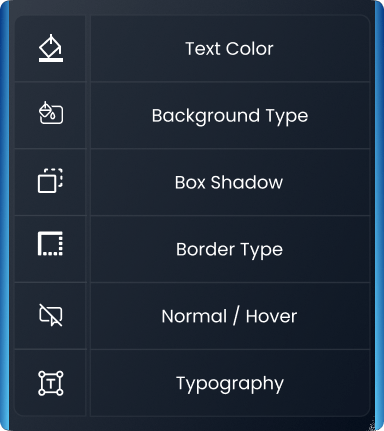

Number of Available Hover Layouts and Animations
Want to add a creative and interactive touch to your navigation with different hover animations? From hamburger widget, you can choose background hover with underline, skew, and flip slides styled with 2D effects.
Add Many More!
Select 6+ available hover layouts to explore various types of hover animations that can be implemented on websites.
Get Help From Our General Knowledge Base
How to create Hamburger Menu in Elementor?
To create Hamburger Menu in Elementor, edit the page in Elementor. Drag and drop the Hamburger widget onto your desired section. Customize the appearance using the widget's settings. Save and publish your changes. For more details, visit our documentation on how to install Hamburger Widget.