







newelementor

Pro Widget

Advanced Elementor Gallery Widget

With the Elementor gallery widget, you can showcase your images using Grid, Mosaic or Masonry layouts. Add hover effects, animations, pop-up styles, and more to create attractive photo galleries
Get Pro Addons
Documentation
 

Advanced Features To Create Stunning Image Galleries

Create an attractive gallery on your website using our advanced photo gallery widget, which offers features like filter animations, custom navigation & much more.

Load More Feature

Showcase your entire collection by simply adding a load more button to display additional images.
  • Set Load More with an accessible scroll, click, or custom redirect Link

  • Style the feature the way you like and add mesmerizing hover effects to it

  • Rename the button as you like & highlight the remaining items


Grid Layout Gallery with Filter Animations & Hover Effects

Entice users by adding 10+ hover effects on gallery items and enhance the user experience with 20+ filter animations.

Play Around With Different Gallery Types & Unique Layouts

Display all your images in a trendy Simple or Album Gallery. Use our modern layouts to drive user engagement on all touchpoints.
  • Layout 1

Masonry Style Gallery

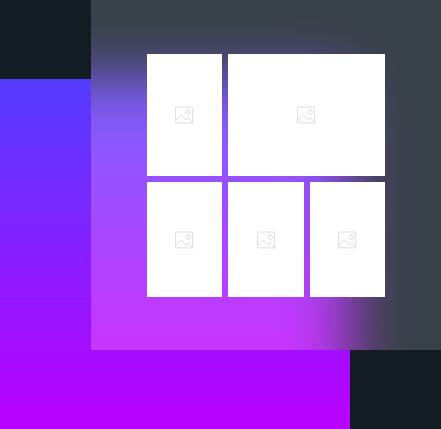
Create a stylish Masonry style photo gallery for your website. Add trendy captions, icons premium filters to deliver a complete creative gallery experience.

  • Layout 2

Mosaic Style Gallery

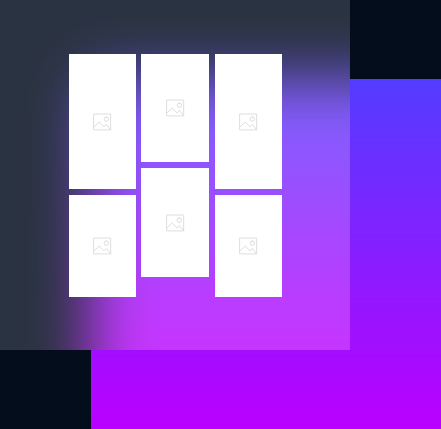
Elementor Gallery Widget offers the most organized and breathtaking Mosaic style gallery without cropping your images. Instantly enhance the overall aesthetic of your gallery.

  • Layout 3

Grid Style Gallery
Gives a professional yet attractive look to your gallery with the most simple and decent Grid style layout. Instantly grab the attention of site visitors.

Masonry Gallery with Hover Effects & Filter Animations

Craft the most attractive and artistic-looking gallery for your website. Sort multiple images in a pleasant layout.

Filterable Mosaic Gallery With Load More Button

A beautifully justified gallery to display images most attractively. Add hover effects, titles, load more buttons & filters animations to enhance the user experience

Get Help From Our General Knowledge Base

Can I add filter images in Elementor Gallery?

Yes, you can add filter images in the Elementor advanced gallery widget. It offers you many filter group options, click on any filter and name according to your need. Click on the featured image and select an image from media library or you can upload it from a PC. You can add one or multiple images under one filter by clicking on the section below the featured image.

Can I add social sharing buttons on the Elementor gallery?

Yes, you can embed social share buttons with XPRO Elementor Photo gallery widget. In the popup-section, social share and download options are available. So, the user can easily share content on social media platforms.

How to add a gallery popup by using Elementor gallery widget?

The Xpro Elementor image gallery widget helps you to add a gallery popup. In the content tab, move to the popup section to choose a popup option from none to any of these ( classic, minimal, creative, innovative).

Can I add lazy loading to Elementor Gallery images?

Yes, you can add lazy loading to the Elementor image gallery with the Xpro Gallery widget. Navigate to the content tab, and click on the Load More section. You have three options (scroll, click & custom). It offers multiple customization options, for example, add button text, activate button count, set items per page and more. Moreover, once you enable the Load More button, you can style it from the Button section under the style tab. This will make your image gallery more interactive.

Download 50+ Free Addons & Start Creating

30,000+ Happy Customers Build Beautiful Websites Using Xpro Elementor Addons