







Show off Your Logos Using This Widget
Showcase your products, sponsors, or customers in a customized way. Add links to each logo using the Elementor logo grid widget.
Copy Logo Style for Other One
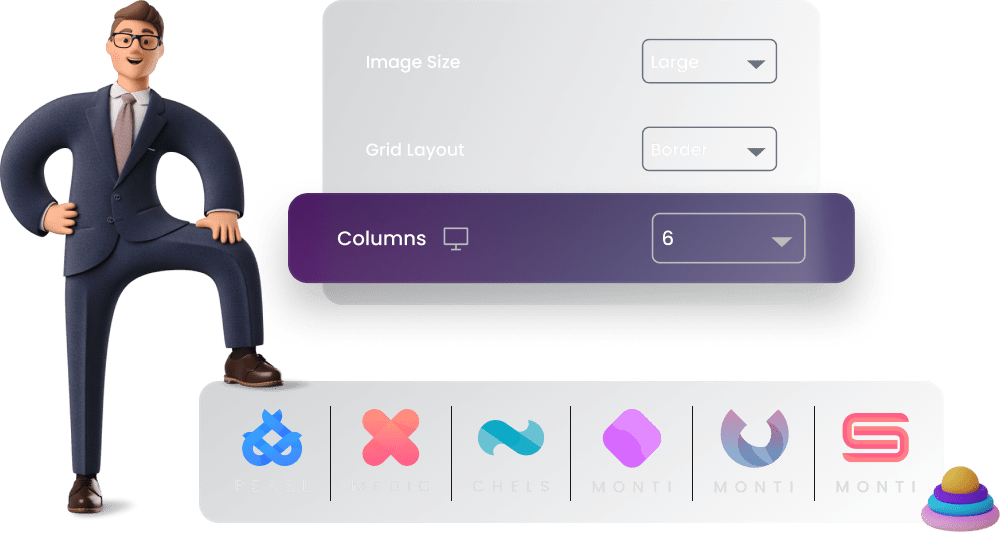
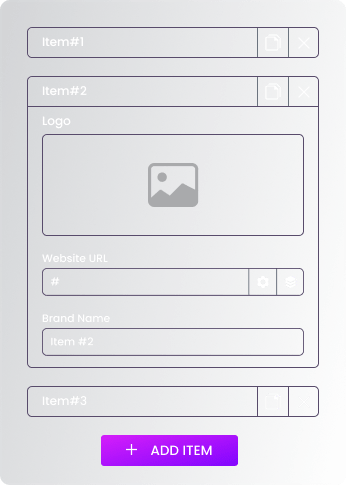
Create a custom styling for one logo and simply copy it for the rest of your logos. You can also
change the number of columns to showcase your logos in a perfect way.
3 Amazing Grid Layouts
Logo Grid widget offers 3 exciting layouts to perfectly showcase your logos.
-
1st Layout
Box
Add more distinction for each logo of your clients or products by putting them in a clear boxed layout. This layout reflects a concise view of all logos.
-
2nd Layout
Border
Perfect layout to showcase your logos using Elementor logo grid widget. You can customize the borders of this layout by adding colors, choosing a border type and much more.
-
3rd Layout
Tic Tac Toe
This layout showcases a crisp view of your logos. The layout streamlines the logos in the grid for a perfect clickable view. You can also customize the no. of columns to match your design.
Take Control of Logo Styling
Customize the logo size, type of grid and no. of columns as you want.
Lastly, Sprinkle Some Magic Using Elementor Hover Effects
Give visitors an eye-pleasing view of your logos by adding hover animations.
Our Blogs
Discover The Latest From Xpro Elementor Blogs
4 Best Elementor Theme Builders of 2022 (Free & Paid)
Have you ever tried to edit a default theme part like header, footer, singular, or archive template and failed to do so? It’s because...
Read More