




newelementor

Pro Widget

Elementor Woo Product Tabs Widget

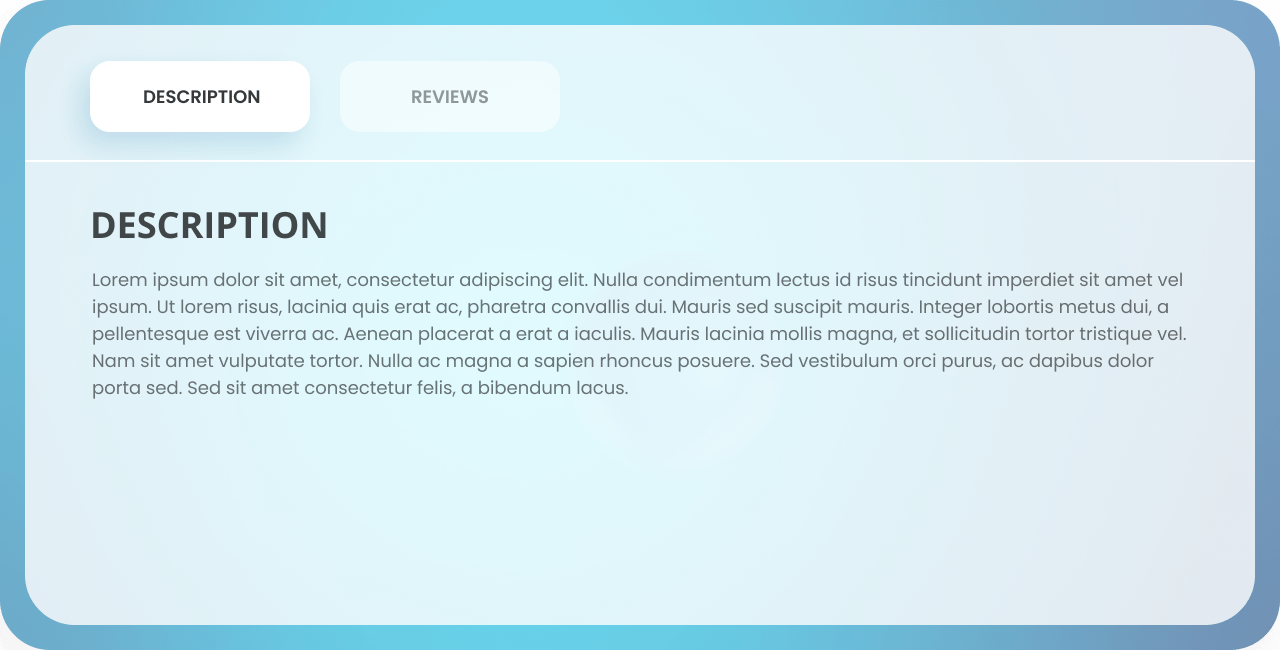
Take your website design to the next level by displaying appealing product descriptions on your woo-commerce websites. With Woo Products Tab, you can design your tab list and content by changing its colors, typography, border, background, and more!

Get Pro Addons
Documentation

Unleash The Power Of Product Descriptions And Reviews

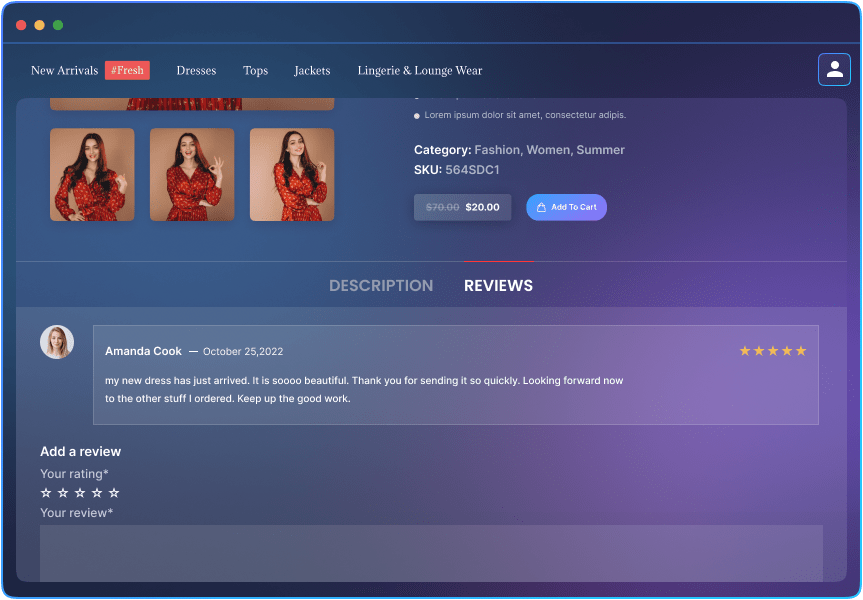
Step into the spotlight by showcasing your product descriptions and reviews in a unique way. Direct the focus of your customers on your products to help them understand their quality and details.

Personalize Your Tabs List with Multiple Customization Options

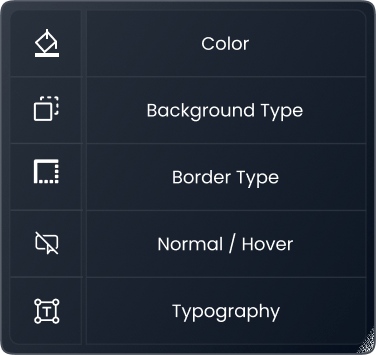
Say goodbye to your dull product tabs! Unlock the Power of Elementor's Product Tab widget to adjust typography, colors, borders, backgrounds, spacing, and beyond.

Explore Endless Possibilities Of Tab Content with Our Multitude Of Customization Options

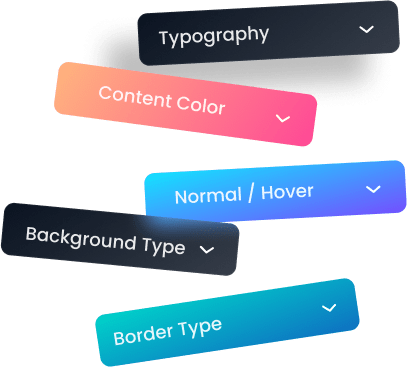
Step into a world of limitless creativity with our multiple customization options. Easily customize every aspect of your tabs like headings, ratings, CTA buttons & more to leave a lasting impression on your customers.

Don't Wait, Get Started with This Must-Have WidgetToday!

Captivate your audience with a stunning website display. All you have to do is drop the Woo products tab widget and it will fetch all the data automatically to help you design and style the product tabs.

Get Help From Our General Knowledge Base

What are Woo Product Tabs in Elementor?

Elementor Woo Product Tabs allows you to add custom product tabs to your Woo-Commerce product pages. These tabs provide a structured way to display additional product information, such as specifications, reviews, or any other relevant details.


How do I use Woo Product Tabs in Elementor?

To start using the Woo product tab widget, edit your page in elementor and drag’n’drop the widget onto the desired column. The next step is customizing the product list according to your requirements like colors, typography & more of the tab list and content. The last step is to save and publish your changes to make them visible to your users. Follow a detailed step-by-step guide on how to install the Woo product tab widget in elementor.


Can I customize the appearance of the Woo product tabs Widget?

Yes! Woo product tabs by elementor addons provide a wide range of styling options. You can customize the tab titles, colors, typography, spacing, and more to match your website's design and branding.


What kind of content can I display in the product tabs?

The Woo Product Tabs in Elementor allow you to display various types of content. You can add text descriptions, images, tables of your product color, sizes, and reviews to create rich and informative tabs tailored to your specific product needs.


 The Xpro 360 Product Viewer is a premium Elementor widget for WordPress that offers you multiple mouse options(hover, wheel, drag). You can also add a background to the product image.

From where I can get the elementor Woo product tabs widget?

You can get the elementor woo product tab widget from the Xpro elementor addons premium pack at the most flexible price with multiple pro widgetstemplates, and extensions.


 The Xpro 360 Product Viewer is a premium Elementor widget for WordPress that offers you multiple mouse options(hover, wheel, drag). You can also add a background to the product image.

Our Blogs

Discover The Latest From Xpro Elementor Blogs

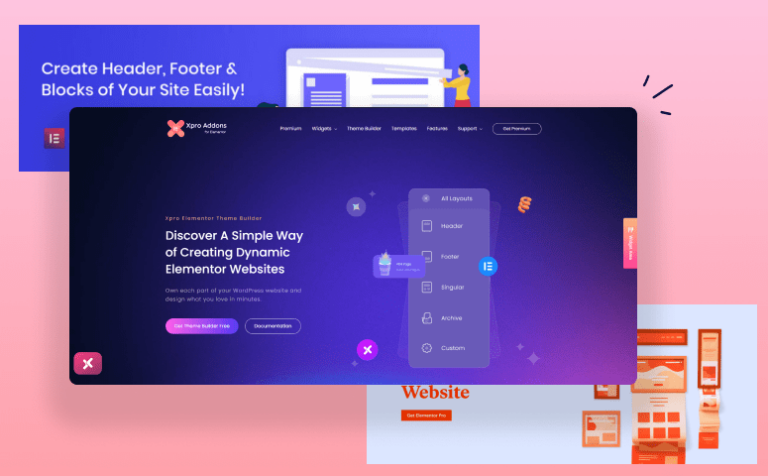
4 Best Elementor Theme Builders of 2022 (Free & Paid)

Have you ever tried to edit a default theme part like header, footer, singular, or archive template and failed to do so? It’s because...

Read More
author-avatar
Posted By Laiba Rasheed

Download 50+ Free Addons & Start Creating

30,000+ Happy Customers Build Beautiful Websites Using Xpro Elementor Addons